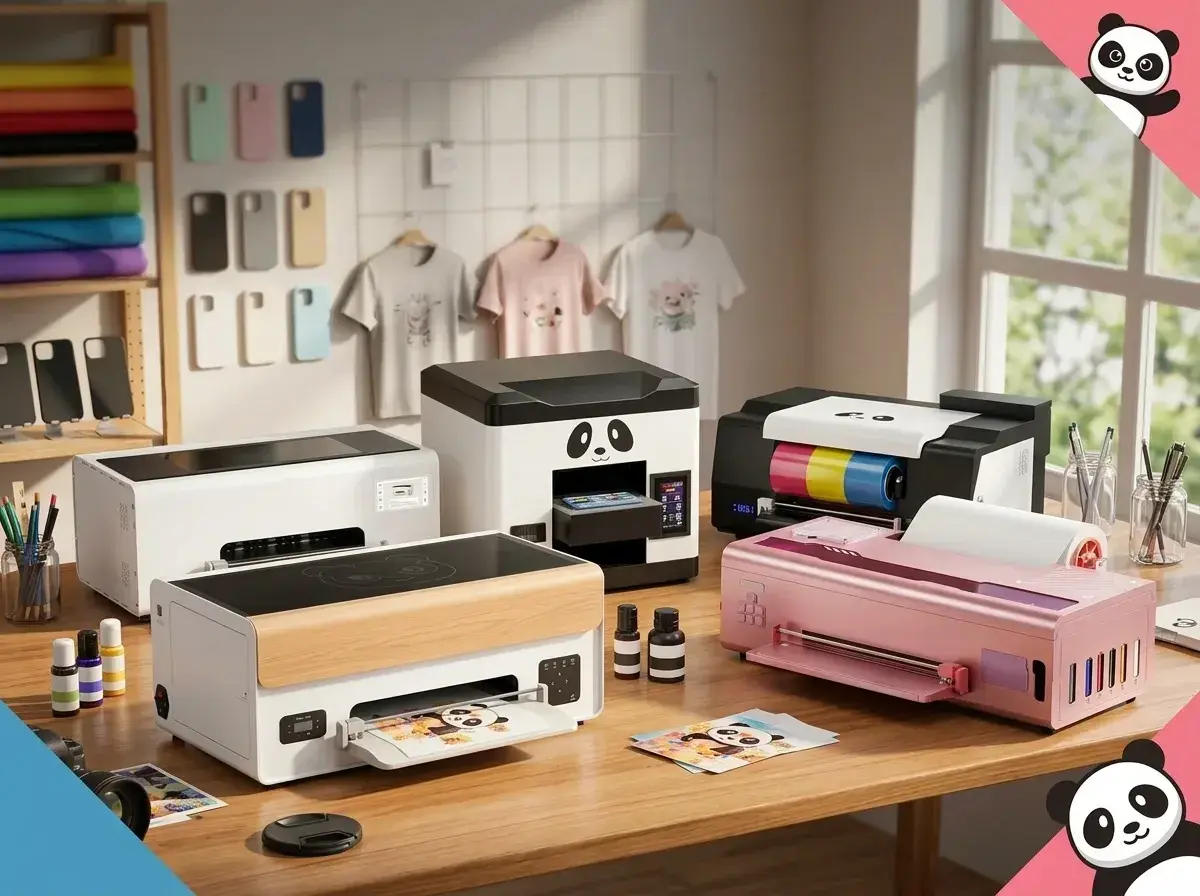
A custom T-shirt. A phone case with your artwork. A glass cup carrying a customer’s business logo. Each could become part of your next collection, but they do not all call for the same printer.
That is the first thing to understand when comparing Procolored printers. Similar product names can lead you toward machines designed for very different jobs.
For US creators building an apparel label, personalized gift shop or small printing business, the useful question is simple: What do you want to make, and what will it take to produce it consistently?
This guide compares five Procolored models through that lens, covering their intended uses, listed features and the details worth checking before spending money.
Editorial note: Product information was checked on September 24, 2026. This is a specification-based comparison, not a hands-on review. Features and performance figures come from Procolored unless otherwise stated.
Understand DTF, UV and UV DTF Before Choosing
Start with your finished product.
DTF printing creates transfers for fabric. The process involves printing onto film, applying adhesive powder, curing it and using a heat press to transfer the design onto the garment.
UV printing places the design directly onto a compatible object. The object’s dimensions, surface and positioning matter because it must fit the printer’s working area.
UV DTF printing creates transfers that are applied to compatible objects after printing and laminating. It is a different process from making heat transfers for clothing. Procolored’s comparison guide separates these three methods by their materials, equipment and application steps.
If your first collection is graphic tees, focus on apparel DTF. If it is personalized accessories or decorated drinkware, investigate the UV options.
Procolored Printers at a Glance
The suitability notes below are editorial assessments based on the listed printing methods, not results from comparative testing.
Model | Printing method | Application to consider | Main buying question |
P13 | Apparel DTF | Custom clothing transfers | Do its features justify the complete setup cost? |
V6 Panda | Direct UV | Compatible phone cases and small objects | Will your blanks fit and print successfully? |
VF13 Pro | UV DTF | Transfers for compatible objects | Does a transfer workflow suit your product range? |
K13 | Apparel DTF | A beginner’s garment-printing shortlist | What comes with the selected bundle? |
F13X | Apparel DTF | Buyers evaluating newer automation features | What are the current reservation and delivery terms? |
Model categories and applications are drawn from the five official pages.
1. Procolored P13: An Apparel Printer With Practical Monitoring Features
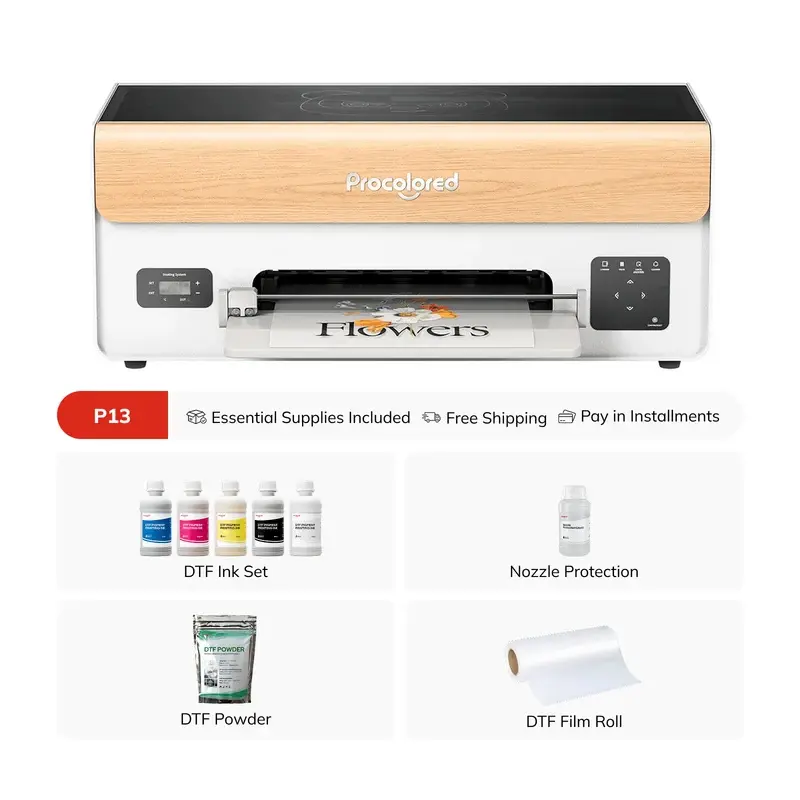
The Procolored P13 DTF printer is listed as a 13-inch A3 model with an XP600 printhead.
Its listed features include selectable automatic-cleaning timers, laser film-flatness detection and a waste-ink alarm. Procolored also gives it a woodgrain finish, which may appeal to creators who want their equipment to fit visually into a studio.
Those details make it worth investigating for an apparel business, but appearance should be a secondary consideration. Ask for a demonstration using artwork similar to what you plan to sell.
The product page offers several configurations, including printer-only and equipment bundles. Check the selected package carefully so you know whether an oven and heat press are included.
Buying perspective: Put the P13 on your shortlist if its monitoring features address your workflow. Request sample transfers before judging detail, color or print feel.
2. Procolored V6 Panda: For Printing Directly Onto Small Objects
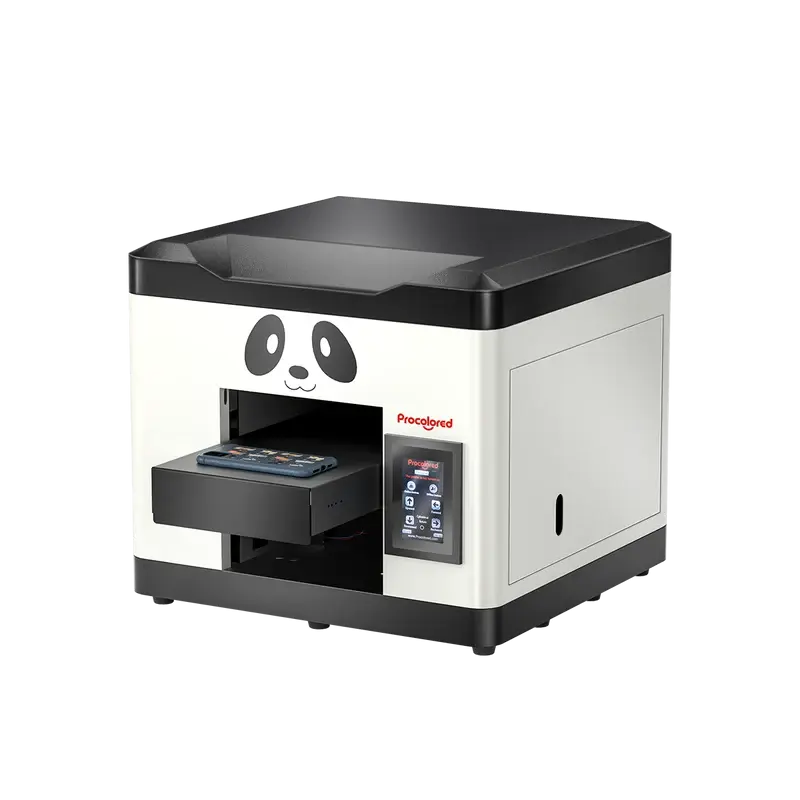
The Procolored V6 Panda A4 UV printer serves a different purpose.
Procolored lists applications including phone cases, acrylic items, cards and nameplates. It also offers optional jigs for holding certain objects during printing.
The page lists a printing-height range of 0 to 110 mm and Windows-only RIP software. However, its title uses “6.7-inch” while the feature text states a 210 mm printable width. That inconsistency deserves clarification before ordering.
A material name alone is not enough to confirm suitability. Send the seller your blank’s dimensions, shape and surface details, then request a sample on that specific item.
Buying perspective: Consider the V6 for a focused range of personalized objects. Get written confirmation of the usable print area, required fixtures and compatible surface preparation first.
3. Procolored VF13 Pro: A UV DTF Printer for Transfer-Based Decoration
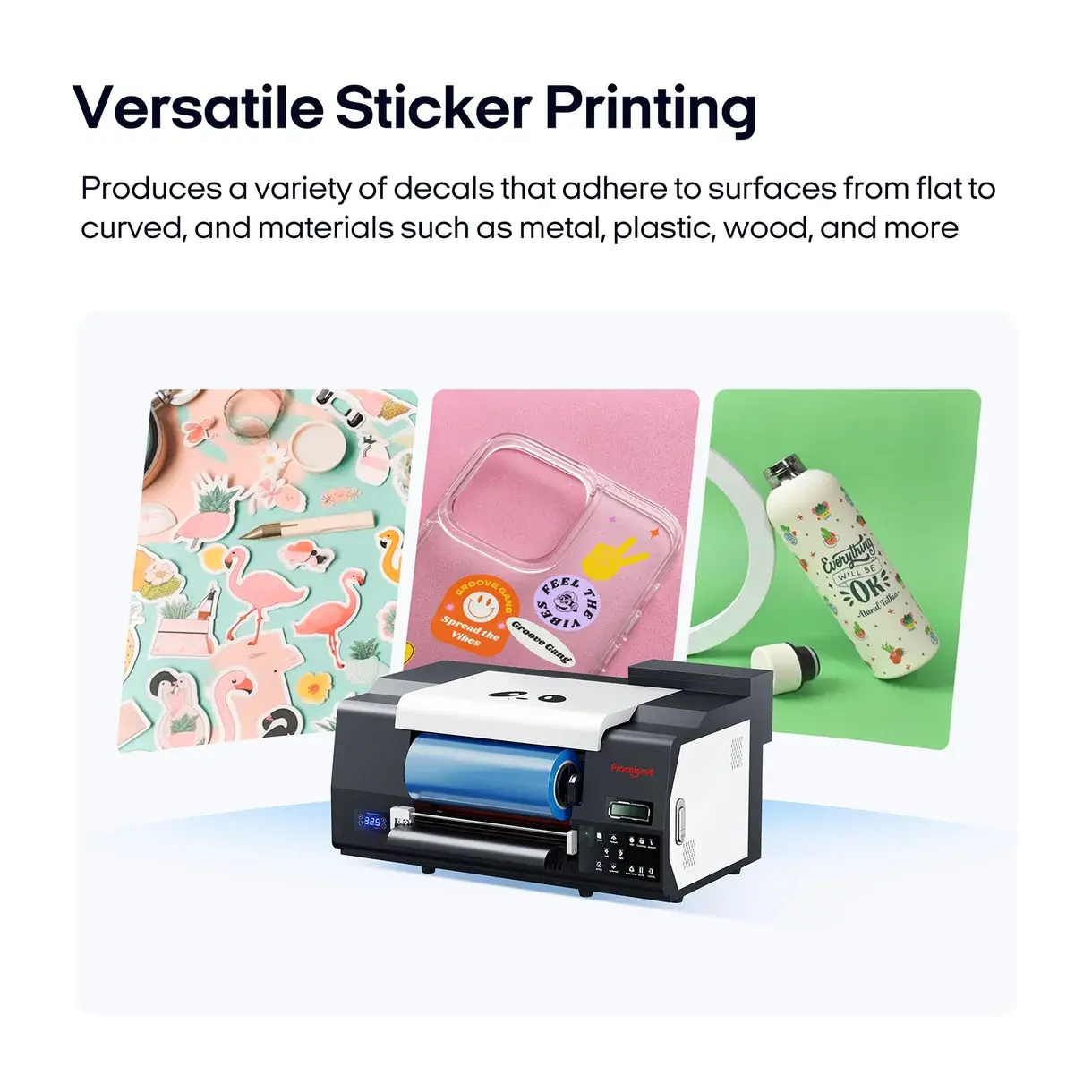
The Procolored VF13 Pro UV DTF sticker printer combines printing and laminating in one machine.
Procolored lists it as a 13-inch A3+ model with dual XP600 printheads. Its workflow uses A and B film to create transfers for decorating objects, including shapes that can be awkward to print directly.
Listed features include a cutter, automatic printhead cleaning when powered on and an optional stand.
The appeal is flexibility in how you apply the finished decoration. Still, request adhesion and care guidance for each surface you intend to sell.
Buying perspective: Investigate the VF13 Pro if object transfers are central to your business. Ask for finished samples on your actual blanks and confirm any durability claims before including them in your own product descriptions.
4. Procolored K13: A Beginner-Oriented Apparel Option
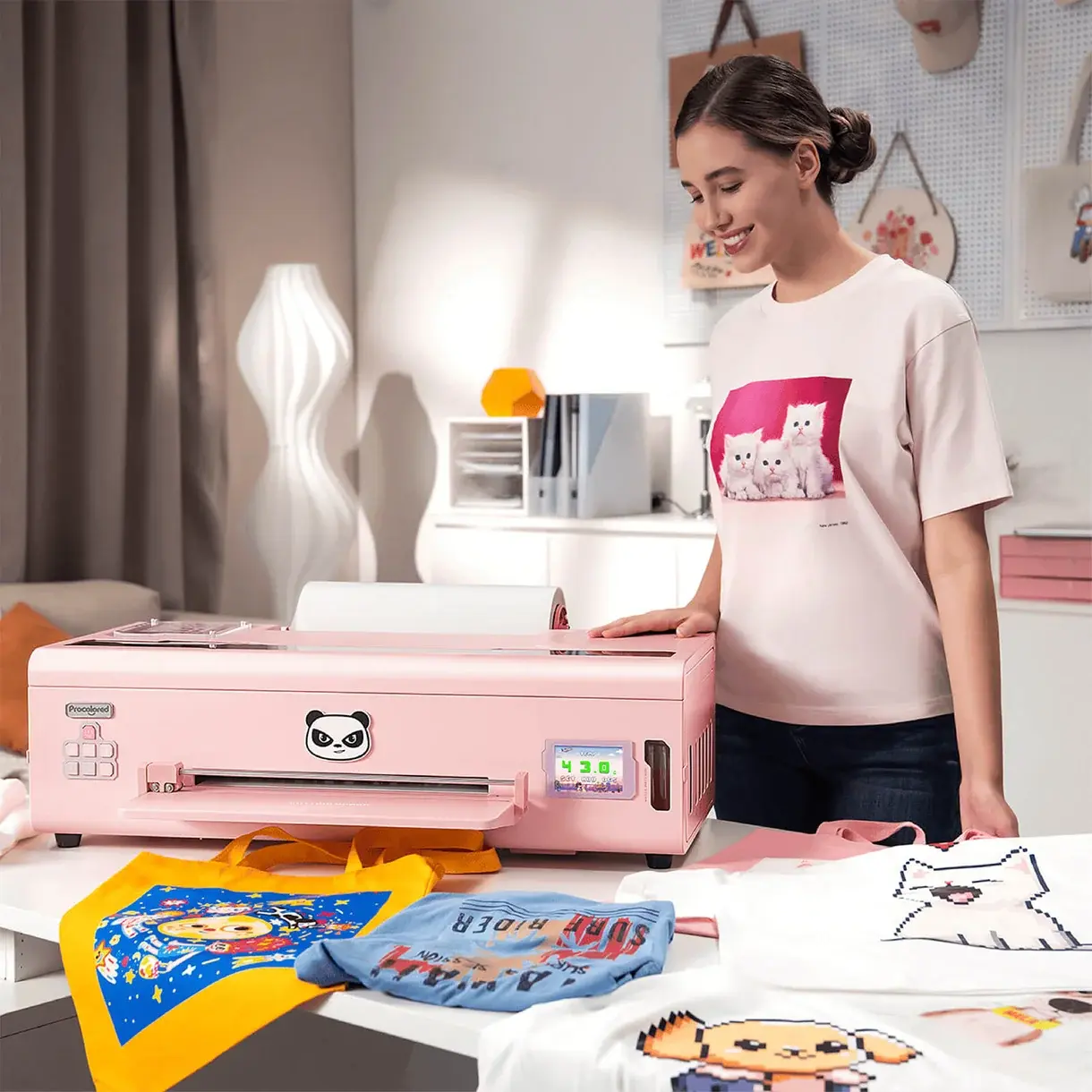
The Procolored K13 DTF printer is another apparel-printing option, with Procolored emphasizing beginner usability.
The page lists a visual touchscreen, one-touch ink pumping, automatic cleaning and white-ink circulation every 30 minutes. It identifies the K13’s printhead as an LH-600 and distinguishes this model from the K13 Lite.
Although the supplied URL references white, the page offers both pink and white selections. Confirm your color and bundle in the order summary.
The available packages vary, so an oven shown in marketing images should not be treated as included with every purchase.
Buying perspective: Compare the K13’s complete equipment package with the P13 using the same requirements. Ask both to demonstrate your artwork and explain the maintenance routine.
What Does a Complete Printing Setup Require?
A printer price is only one line in your budget.
For apparel DTF, Procolored’s equipment guidance includes ink, film, adhesive powder, curing equipment and a heat press. Its starter-kit guidance also identifies ventilation as part of the setup.
Before comparing offers, build a checklist:
Selected printer and exact bundle contents
Compatible computer and printing software
Required curing and transfer equipment
Consumables and cleaning supplies
Suitable workspace and ventilation arrangements
Blank products for sampling and production
Shipping, applicable taxes and replacement-part costs
Ask each supplier for a complete quote against the same checklist. Otherwise, a cheaper package may simply contain less equipment.
For a US order, also confirm the dispatch location, delivery estimate to your ZIP code and who handles service if a problem develops.
Automatic Cleaning Still Leaves You With Maintenance
Maintenance deserves attention before the first order arrives.
Procolored’s technical-support materials cover ink-level checks, nozzle checks, printhead care and steps for protecting equipment during idle periods. These routines remain relevant even when a machine has automatic features.
Reddit discussions also show prospective and existing owners asking about maintenance workload, support and whether equipment is worth buying. These are individual experiences, not controlled reliability studies, but they highlight useful questions to ask during a demonstration.
Ask the seller to show you the routine from start to finish. What needs checking before printing? What happens during a week without orders? Which tasks require manual cleaning?
A clear answer is more useful than a broad promise that a printer is easy to use.
How to Make Your Final Choice
Write down the first three products you intend to sell. Then request samples made with your artwork on those exact blanks.
For garment printing, compare the completed transfer after application. For object decoration, inspect placement, adhesion and the finish on your chosen surface. Ask for the relevant care instructions.
Next, compare complete quotes and written support terms. Include the cost of unsuccessful samples and the time you will spend operating and maintaining the equipment.
If you are still testing demand, price an outsourced sample run too. Comparing that quote with an in-house setup gives you a concrete basis for deciding when ownership makes sense.